TL;DR / Key Takeaways
- Default airdrop alerts are too broad — customizing by chain and category cuts irrelevant noise fast.
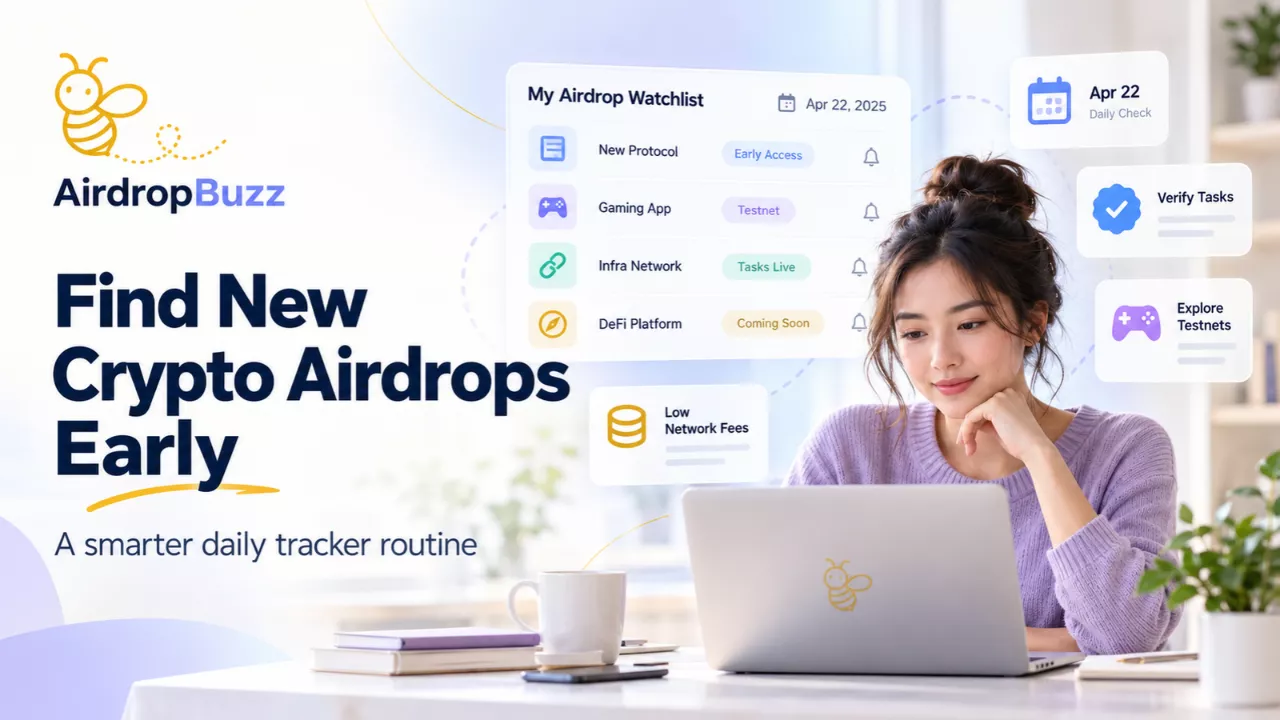
- AirdropBuzz combines category filters, deadline alerts, a Potential Score, and an AI risk scanner in one app.
- AirdropAlert focuses on blockchain-specific filters plus TGE and eligibility-check alerts.
- Airdrops.io works more like a curated directory than a push-alert-first app.
- No scam filter is 100% reliable — always verify independently before connecting a wallet.
- AirdropBuzz is available on both Android and iOS.
On this page Jump straight to the sections you need Built for mobile reading and quick skimming.
Customizing your crypto airdrop alerts — rather than relying on default settings — means fewer missed deadlines, less notification noise, and fewer scam campaigns landing in your feed. Here's how to set up and fine-tune alerts on the top apps, plus what to check before trusting any alert as legitimate.
Why default airdrop alerts aren't enough
Most airdrop apps ship with broad, "everything" notifications turned on by default. Left unconfigured, this means you get pinged for airdrops on chains you don't use, tasks you'll never complete, and — on less-vetted platforms — promoted listings that haven't been screened for scams. Customizing alerts around blockchain, category, and risk level is what turns a noisy feed into a usable one.
Comparison: alert customization across top apps
| App | Alert customization | Scam/risk filtering | Platforms |
|---|---|---|---|
| AirdropBuzz | Category filters (DeFi, NFT, Layer 2), "Ending Soon" deadline alerts, Potential Score ranking | AI-based risk scanner flags suspicious listings before they reach your feed | Android, iOS |
| AirdropAlert | Blockchain-specific filters, TGE and eligibility-check alerts, real-time push notifications | Manual listing verification by the platform's editorial team | Web, mobile app (in development) |
| Airdrops.io | Curated listings with community input; filtering is mostly done through browsing/search rather than granular push settings | Community-flagged listings and editorial curation | Web |
(Feature details reflect each platform's public app store listing and site as of September 2026 — always confirm current settings in-app, as these change with updates.)
Setting up and customizing alerts in AirdropBuzz
AirdropBuzz is built specifically around fast, filtered alerts rather than a raw feed of every listed airdrop. Here's how to configure it:
- Set your category filters. In the app, filter by DeFi, NFT, Layer 2, or other categories so you only see airdrops relevant to the chains and projects you actually use.
- Turn on "Ending Soon" alerts. This surfaces airdrops nearing their claim deadline, so time-sensitive opportunities don't get buried in a general feed.
- Use the Potential Score to prioritize. Rather than treating every listing equally, sort or filter by AirdropBuzz's scoring system to focus on higher-priority opportunities first.
- Let the AI risk scanner do a first pass. AirdropBuzz screens listings for common scam patterns before they surface as alerts, which cuts down on the manual vetting you'd otherwise have to do yourself.
- Enable real-time push notifications so new and ending airdrops reach you immediately rather than on a delay.
Setting up alerts in AirdropAlert
- Create an account and opt into notifications from your profile settings.
- Filter by blockchain ecosystem (DeFi, NFT, Solana, etc.) to narrow the feed to chains you're active on.
- Enable TGE (Token Generation Event) and eligibility-check alerts so you're notified when a project you're tracking becomes claimable.
- Combine in-app alerts with their newsletter if you want a digest rather than real-time pushes.
Setting up alerts in Airdrops.io
Airdrops.io leans more toward a curated, browsable directory than a push-alert-first experience. To get the most out of it:
- Bookmark or regularly check category pages for chains you're interested in, since granular push customization is limited compared to app-first platforms.
- Cross-reference new listings against community discussion before participating, since verification here relies more on curation than automated screening.
General tips for customizing alerts on any airdrop app
- Filter by chain and category first — this alone eliminates most irrelevant noise.
- Prioritize deadline-based alerts over general "new airdrop" pushes if you're time-constrained.
- Treat risk scanners and verification badges as a first filter, not a final answer — always do your own check on official project channels before connecting a wallet or completing tasks.
- Separate email/newsletter alerts from push notifications if you want a quick daily digest instead of constant interruptions.
FAQ
How do I customize crypto airdrop alerts in apps? Most apps let you filter alerts by blockchain, category, and deadline proximity in account or notification settings. Apps like AirdropBuzz add further layers — a Potential Score and AI risk scanning — so you can filter by opportunity quality, not just topic.
Can I filter out scam airdrops automatically? Some apps, like AirdropBuzz, run listings through an AI risk scanner before they reach your alerts. Others rely on manual or community verification. No filter is 100% reliable, so always verify independently before connecting a wallet.
Are these apps available on both Android and iOS? AirdropBuzz is available on both Android and iOS. Availability varies for other platforms — check each app's store listing directly, as this changes over time.